Google Drive for Desktop is the one-stop solution from the search engine giant for cloud storage. In the past decade, the world has moved towards virtual storage instead of physical storage. Using an online storage solution to store and access data solves two major problems:
- The need for actual physical storage
- Accessing data from anywhere you wish
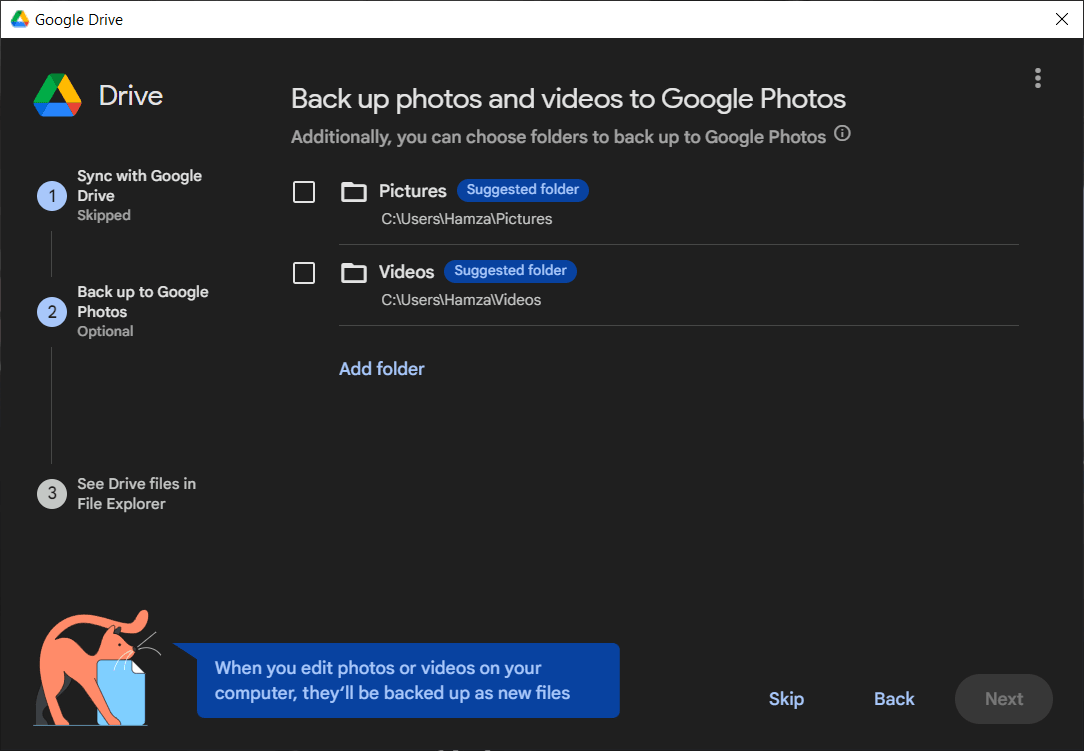
Google Drive is one of the best choices for your virtual storage needs, and the desktop application integrates into your Windows PC like a physical hard drive in File Explorer. You can use Google Drive to sync and back up your photos, files, and anything else directly from your file manager.
Benefits of using the desktop application
Google Drive for Desktop connects directly to your Google account, letting you create, share, sync, and store all your photos, videos, documents, and other important files. One of the most practical benefits of using Google Drive is the ability to collaborate and share files. For example, if you are tracking a shared budget with a business partner or planning a new event, having shared files is a huge advantage.
Everybody knows about Google's excellent integration across all of its products. Google Drive for Desktop extends this capability, linking up perfectly with other Google services.
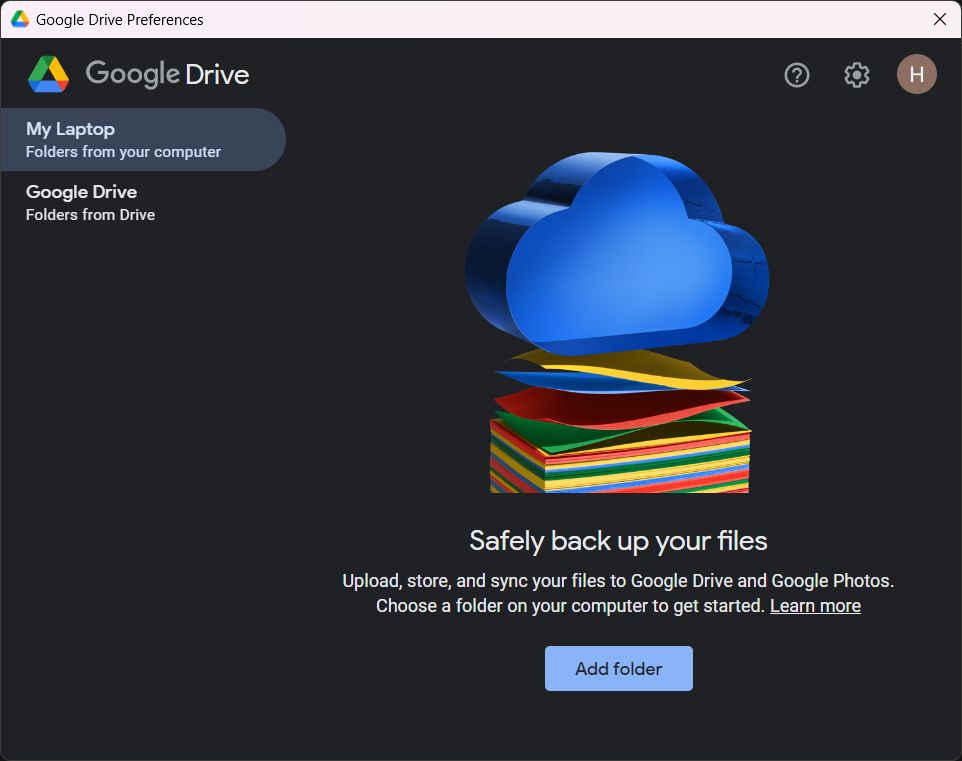
Using the desktop application gives you a few extra features you don't get on the web version, such as the ability to control internet bandwidth. You can limit the download rate, the upload rate, or both. There are other features like proxy settings, the option to sync raw image files, choosing between original quality or storage saver for photos, and the ability to ignore USB devices during backups.
Stream or mirror files
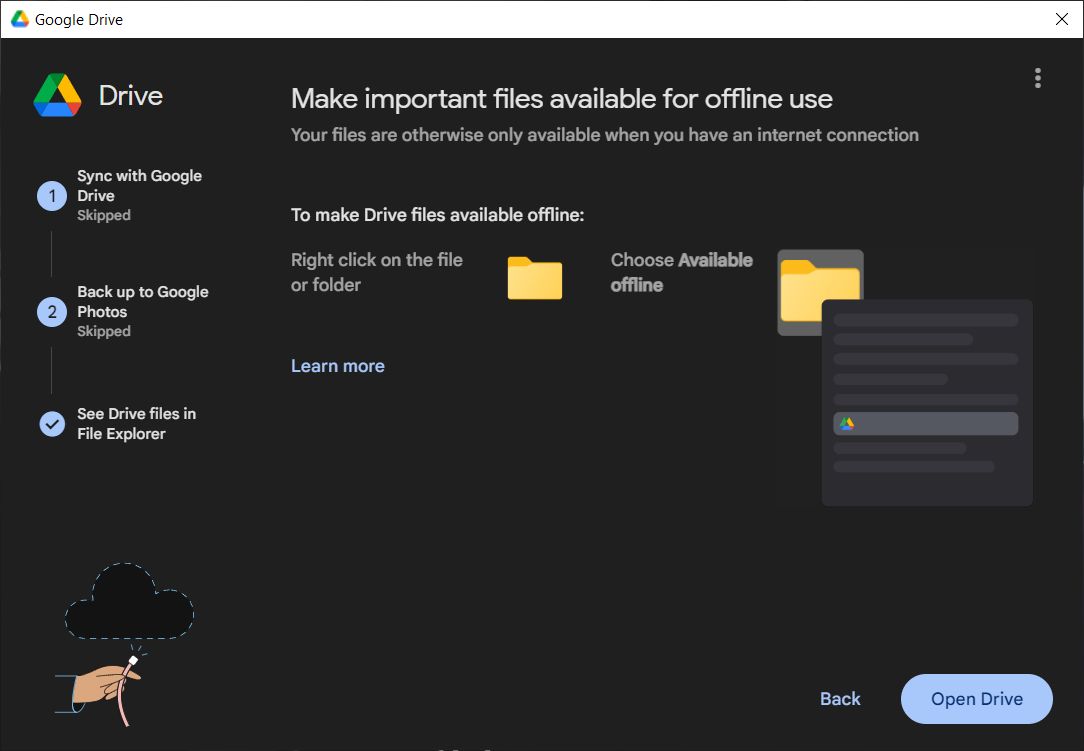
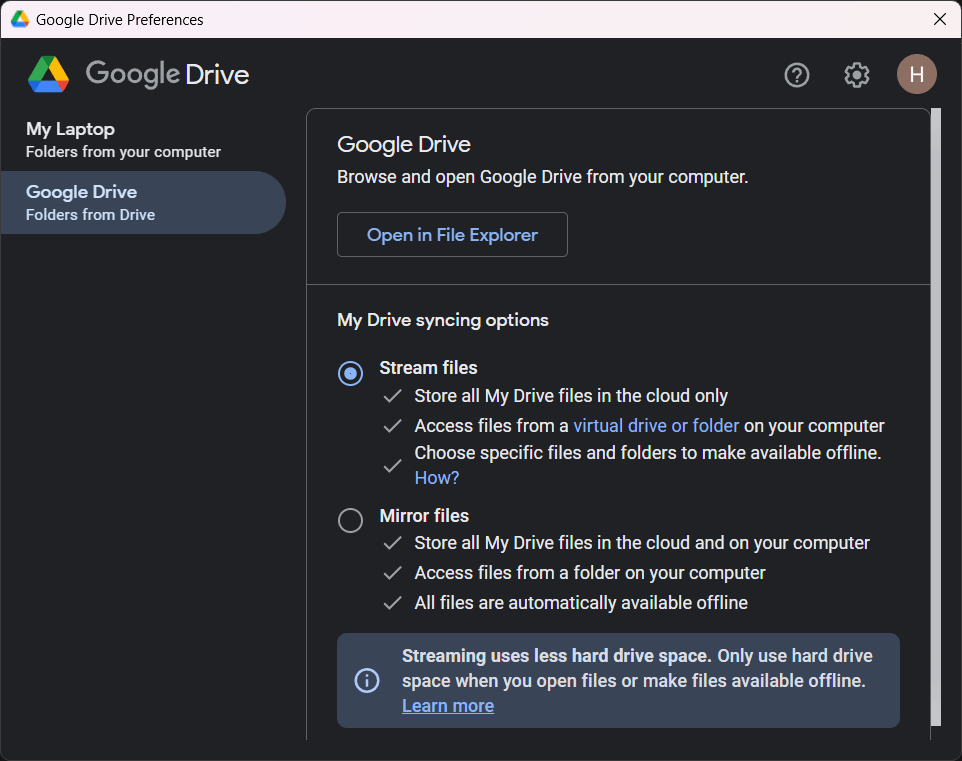
One of the most useful features that Google Drive for Desktop offers is the ability to either stream or mirror files from Google Drive. Streaming files means that everything is stored only in the cloud, and no data is kept permanently on your local drive. Whenever you need to open a file, your computer fetches it from the cloud. This takes up much less space on your physical device. If you have a reliable internet connection, this is usually the best option.
Mirroring files means they are stored both in the cloud and locally on your physical device. This uses storage space on both your Google drive and your PC. On the upside, it is much faster because files open directly from your local hardware, and you can access them without an internet connection.
A solid desktop companion for cloud storage
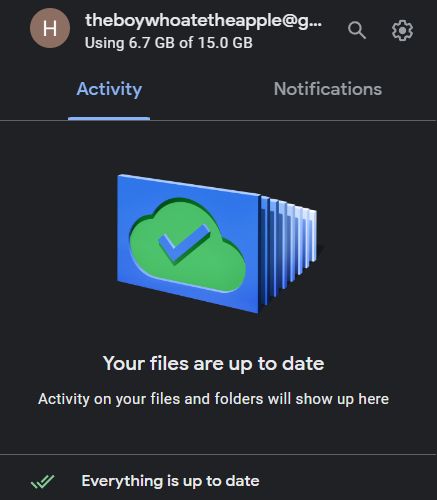
Google Drive for Desktop is an excellent solution for anyone who wants an integrated Windows experience for their storage options. While the application itself is free, you will need a paid subscription if you want more space than the free 15GB allocated to your Google account.